How to reset or recover my password
Print
Created by: Main Master Account
Modified on: Mon, 22 Mar, 2021 at 6:48 AM
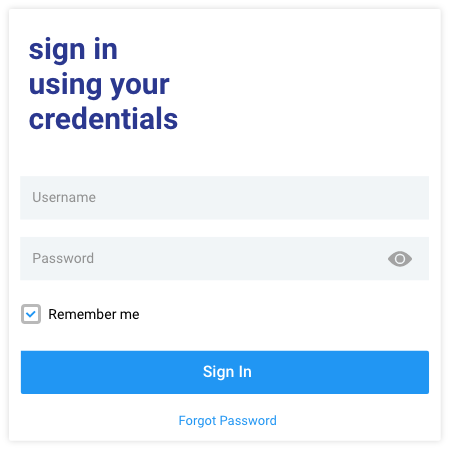
In the sign up screen look for the forgot password option under the main button.
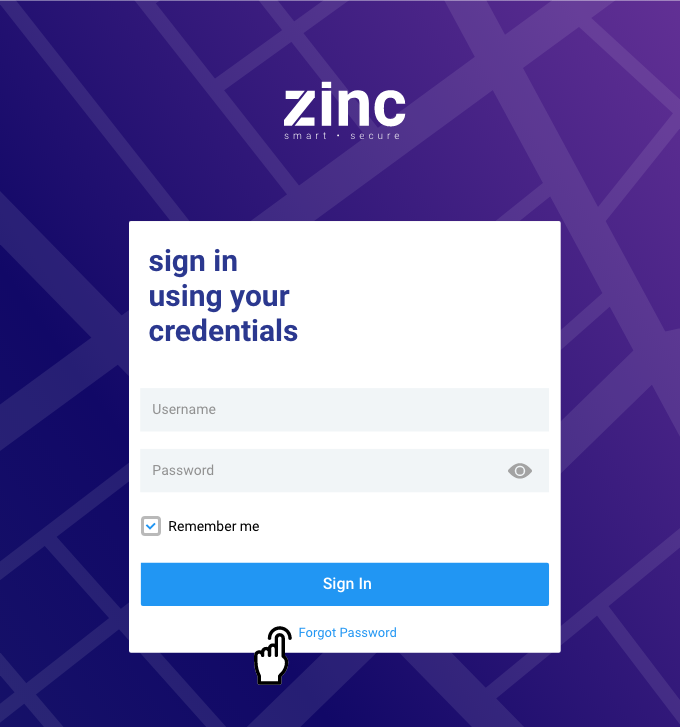
This option will open a new screen. Please provide the email registered to recover or reset the password. You will get an email with the instructions.
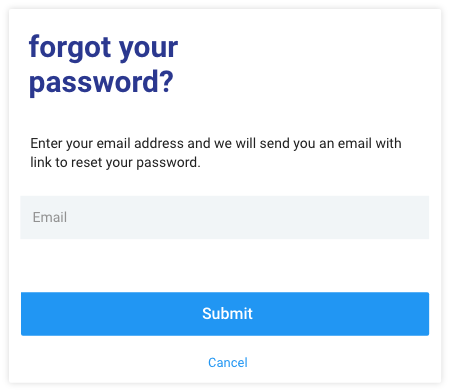
Setting up your password
The email will redirect you to a new screen where you can create your new password.
When setting up your password please keep in mind the following information, that way your security is protected:
• Set an 8-character minimum length
• Include one lower case letter
• Include one upper case letter
• Include numbers
• Include minimum one special character
• Make sure to confirm your password
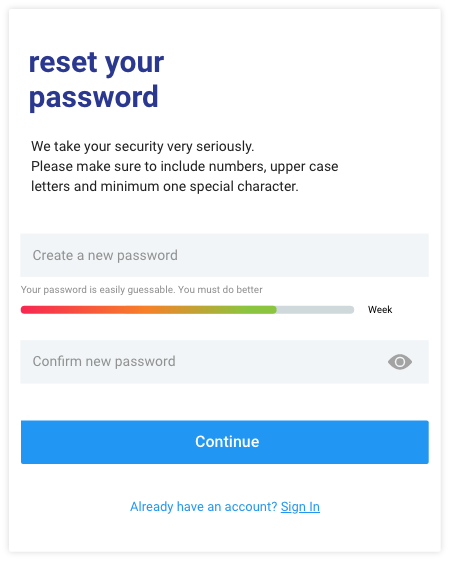
Once your password is been created, you should get a confirmation message and will be redirected to the sign-in screen.
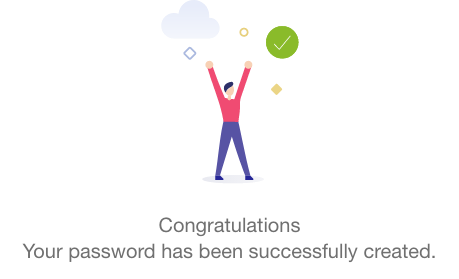
You can now log in using the email address where you got the invitation and the password you set up.
Main is the author of this solution article.
Did you find it helpful?
Yes
No
Send feedback Sorry we couldn't be helpful. Help us improve this article with your feedback.
