
Before you start using Zinc, you need to activate your property.
Master Company Admin
The Association's onboarding process begins when Zinc invites the Master Company Admin. The administrator will receive an email with an invitation to manage the account and initiate the onboarding process.
Zinc Invitation
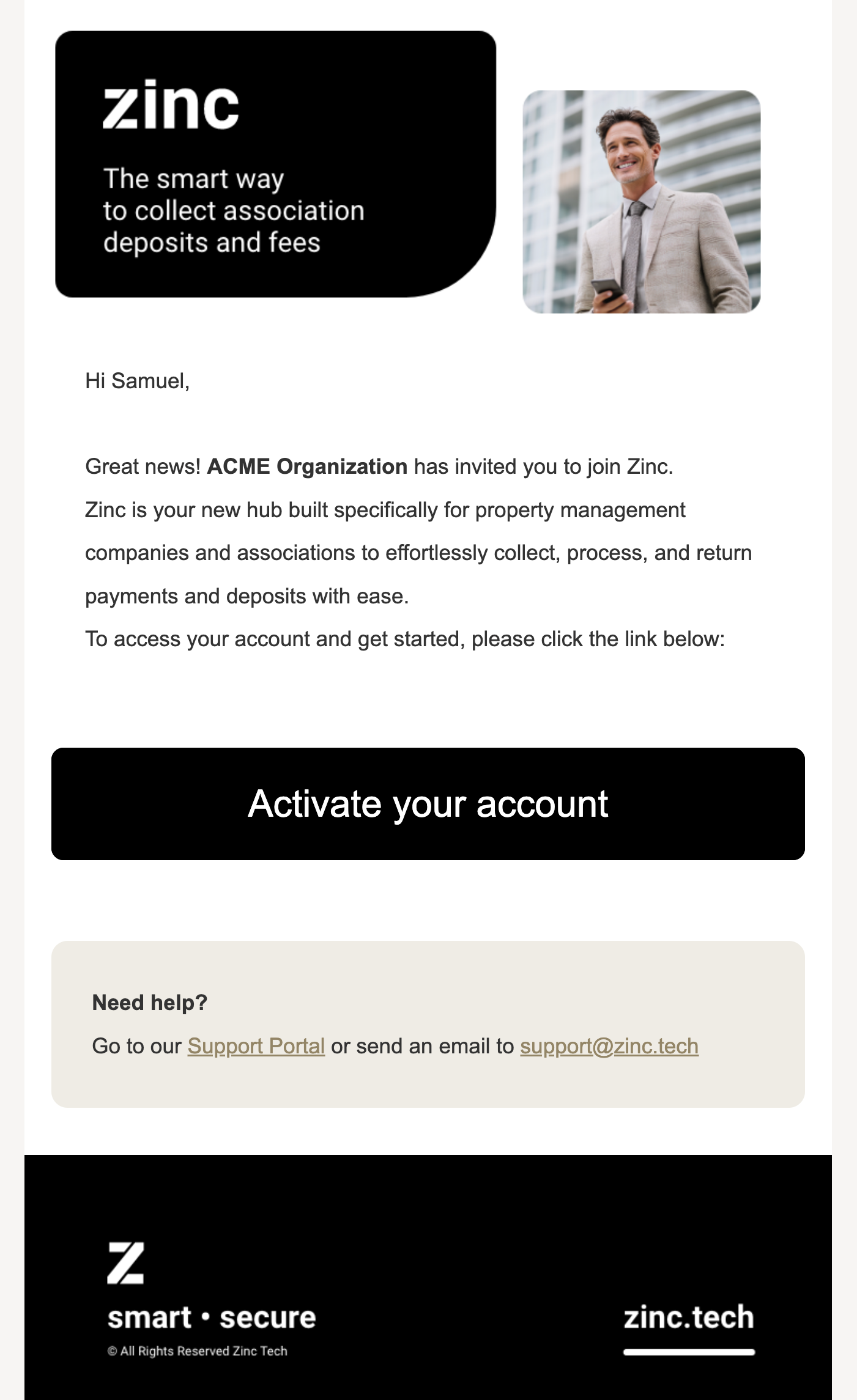
Upon receiving the invitation, the administrator must create a new Zinc account and set a password. To enhance security, a phone number verification is required to enable Two-Factor Authentication (2FA) before logging into the Zinc account.
1. Find your new property
The property Administrator signs into Zinc and checks for Missing property verification notifications on the Dashboard.
Zinc Dashboard
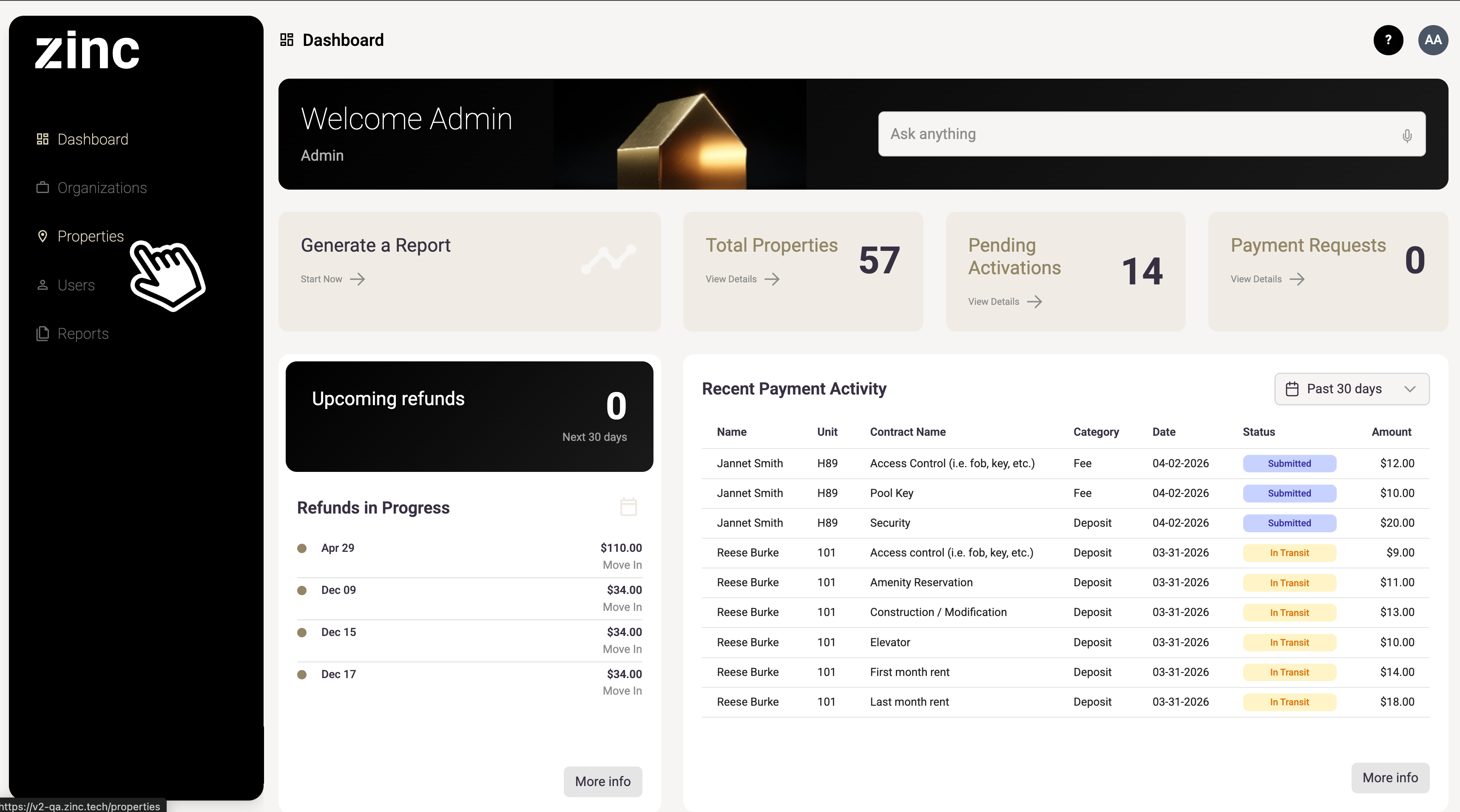
Alternatively, you can visit the properties tab to find your new property.
2. Begin the activation process
Go to the property profile and click Verify Property:
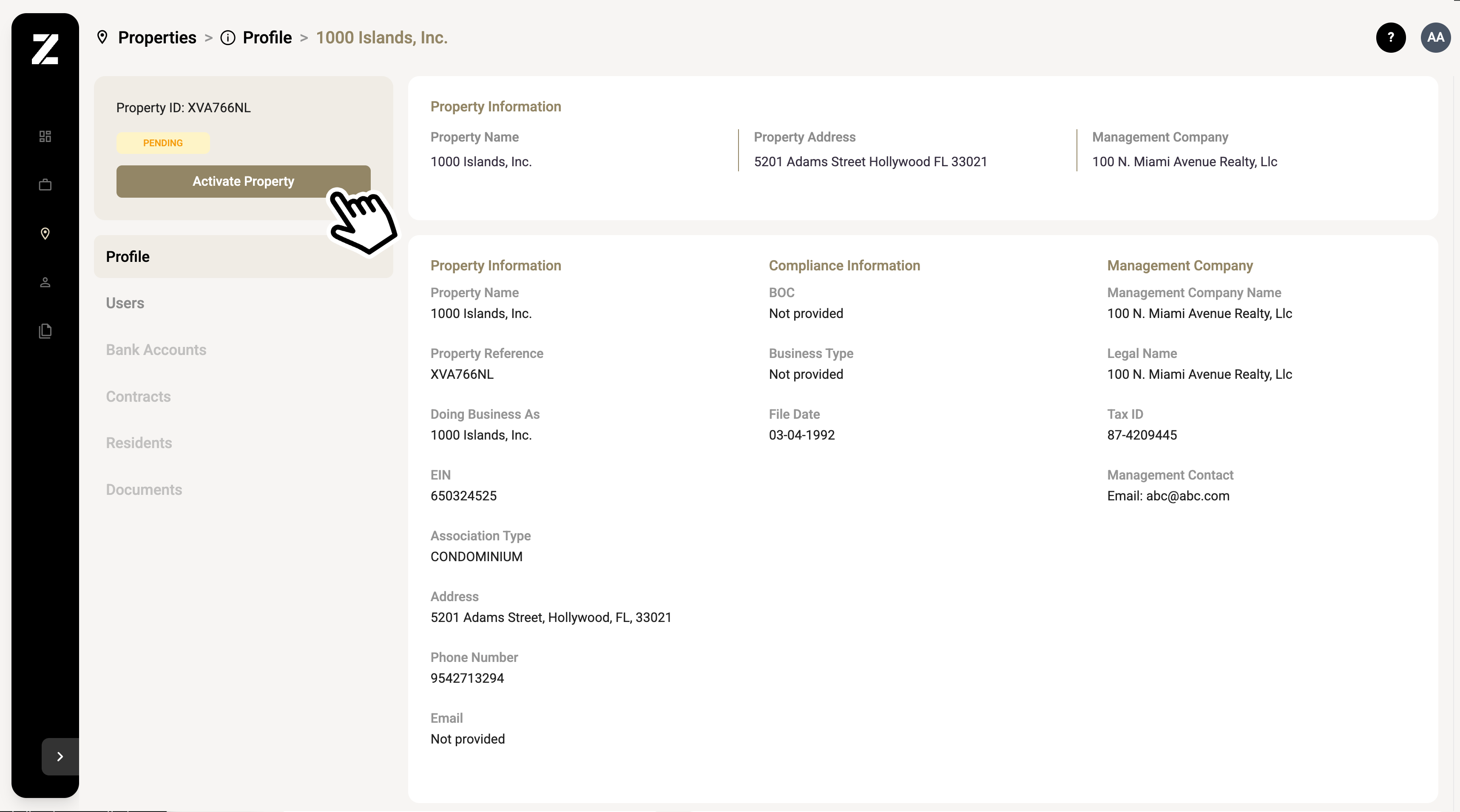
Request the authorized signer or a board member to join.
Send an invitation to a board member or legal representative to authorize the opening of the new account. Ensure this individual is listed in the Articles of Incorporation.
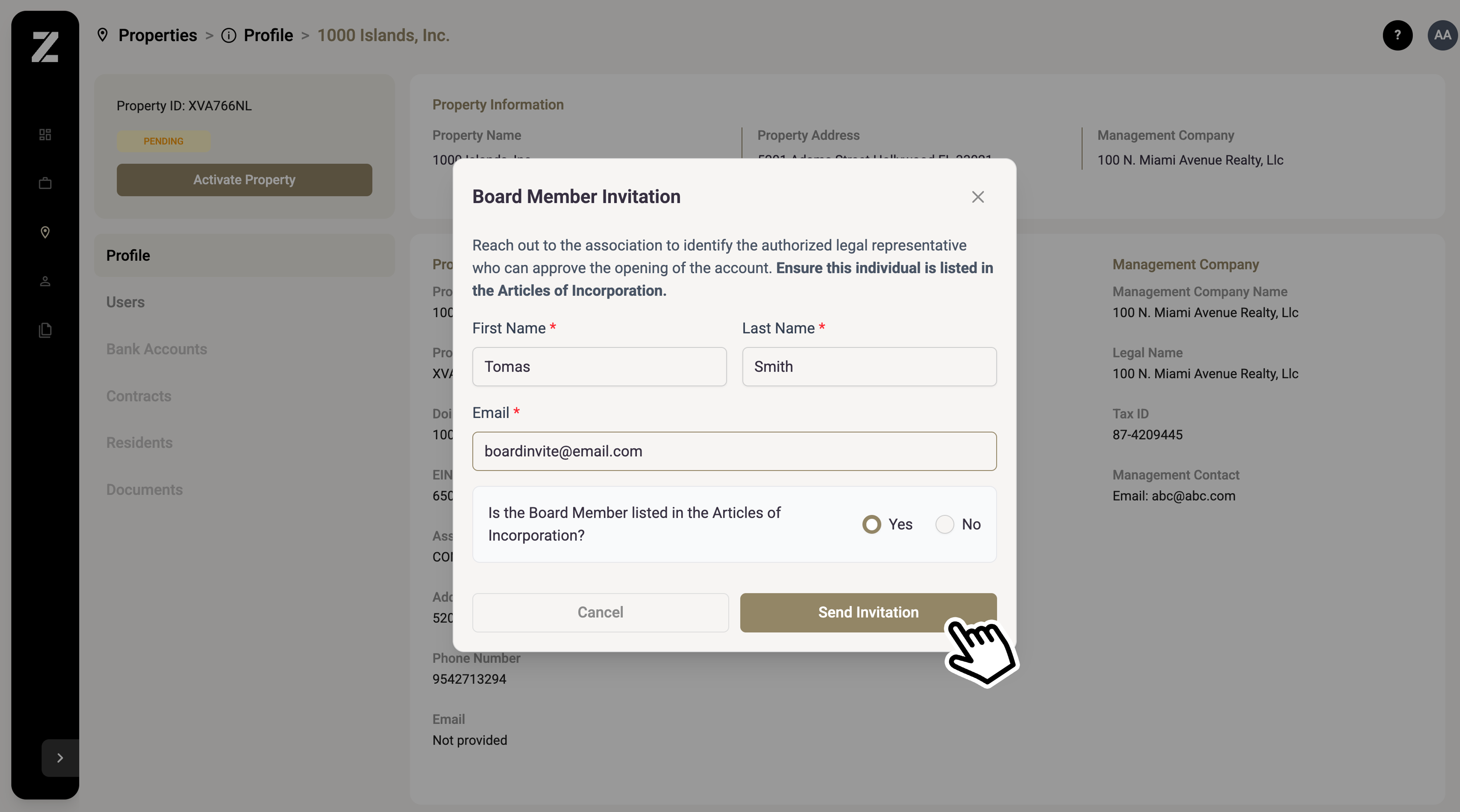
Upload Association Documents
If a new document is required, you can upload it directly from the app by dragging it and clicking "continue." The following documents may be required.
Required Documents:
Articles of Incorporation OR Last Amended Annual Return
If EIN is not found: Provide EIN Letter from IRS
Certificate of Good Standing, SS4, or Tax Return
If the signer is not listed on official records: Provide Approved Board Minutes authorizing the signer as a Board Officer
3. Follow up and wait
Once the Signer invitation has been sent and the property information is completed, the property will remain in pending status. Be sure to follow up with the board member or legal representative to ensure all necessary details are provided, and agreements are signed. This is essential for submitting the initial verification package.
4. Verification Status
Once the Signer submits the onboarding package, the verification process may take up to 5 business days. Below are the possible verification statuses:
Reviewing: The onboarding package has been submitted, and the compliance team is reviewing the provided information.
Rejected: The information provided was insufficient for verification. Additional documents or details may be required.
Active: Your property has been successfully verified. You can now invite the Property Manager.
Need help?
Email: support@zinc.tech
Chat: Inside the Zinc dashboard, in the bottom-right corner (Need Help?